- Questions? (801) 930 5821

Voicelogger Remote Audio Monitoring Software
MAP-PRICE: $129.00
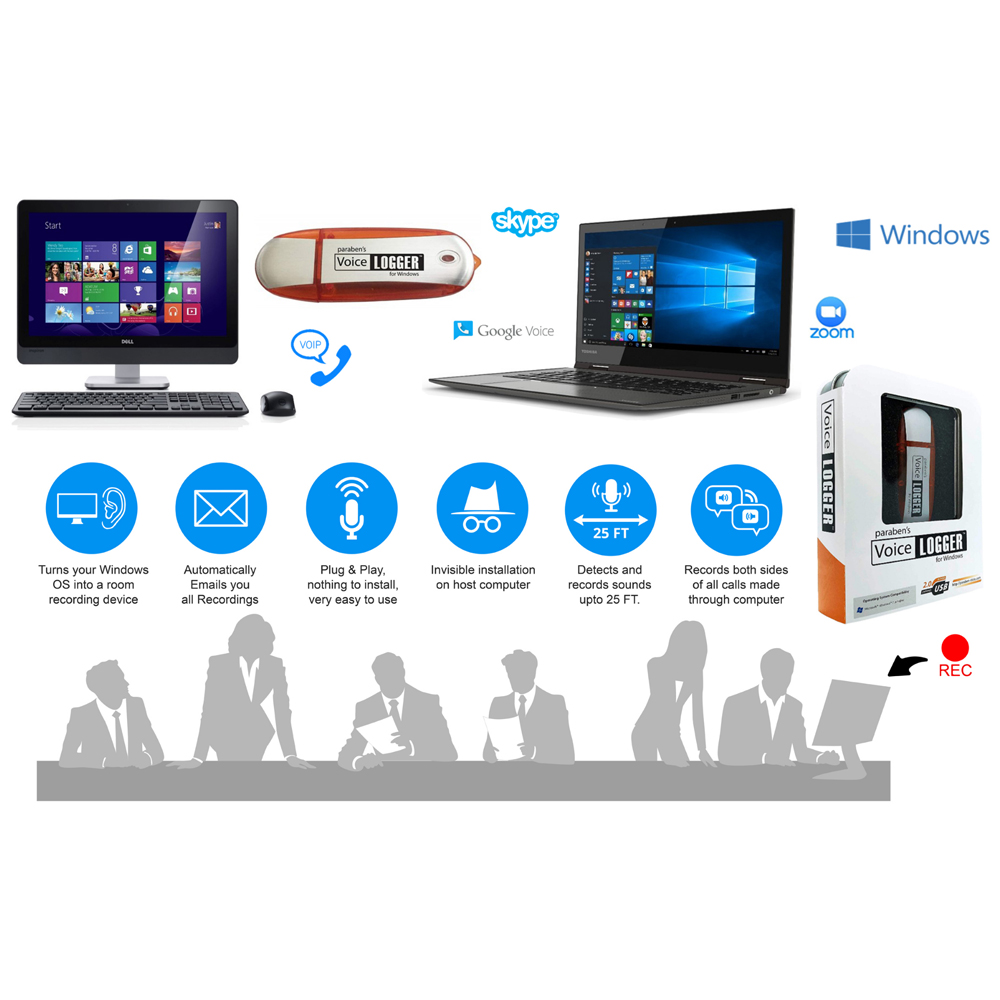
Audio Software for recording audio made through a Windows PC or its immediate surroundings.
Records audio activities including Skype Phone calls made through the computer.
Records the immediate surroundings of the computer.
Audio files can be configured to be sent to any email address, remotely access audio files.
Stealth mode set up to allow software to operate covertly on the target Windows OS.
SKU
PBN-VL4W
Category Digital Investigation Software
Tags App, Audio Bug, Covert Audio, Hidden, Remote, Remote Monitoring
15 YEARS IN BUSINESS
Trusted by Hundreds of clients domestically and internationally.
NO MINIMUM ORDER
What you need when you need it.
US BASED SUPPORT
Support hours:
Monday to Friday
9AM-5PM MST
SAME DAY SHIPPING IN NORTH AMERICA
Orders received by 1PM MST go out the same day for all US clients.
All Orders ship from our Head Office location in Draper, Utah
MAP PRICING
PBN-TEC adopt a strict MAP pricing policy
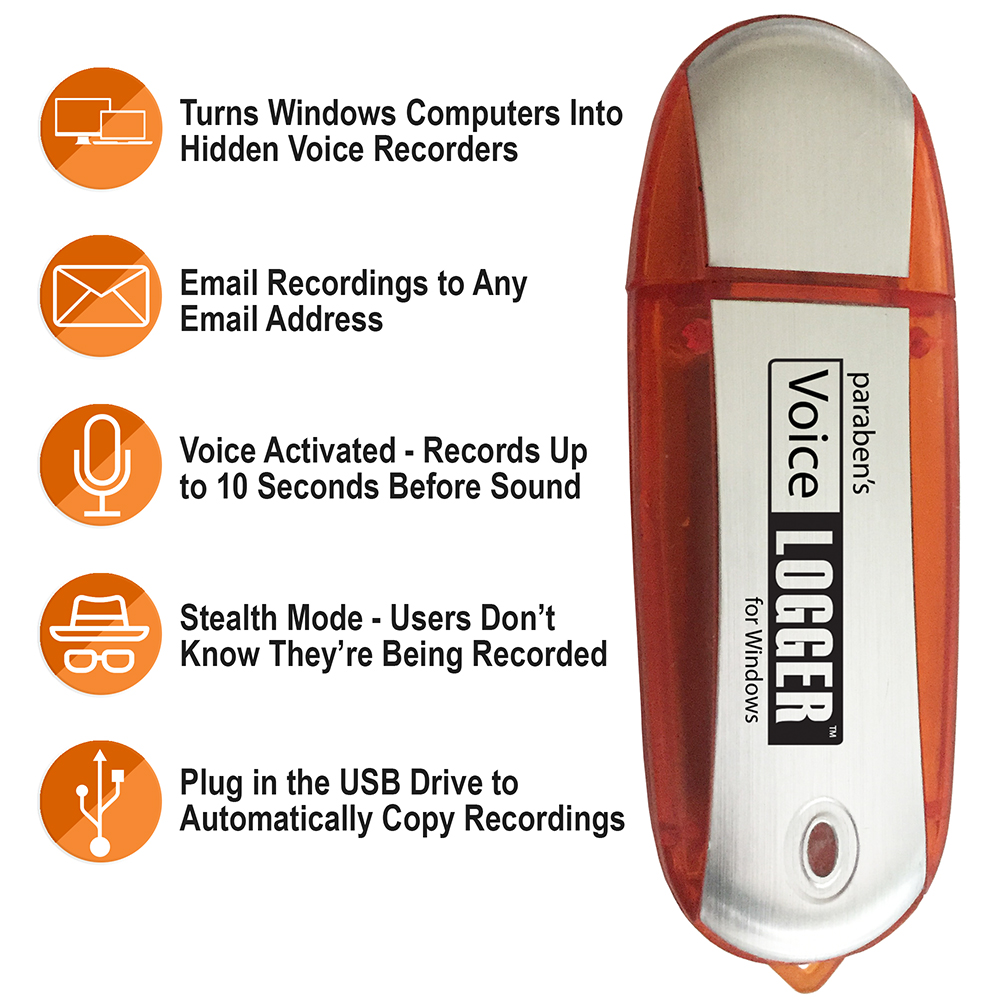
- Turns any Windows OS into a voice recorder
- Records Skype Chats and other VOIP calls
- Voice activated – Starts recording even before noise is detected.
- Dark Mode feature – Invisible Operation – Hidden App on PC/Laptop
- Records both sides of a VOIP/Skype/FB Call
- Have all recordings sent remotely via email
Voicelogger by PBN-TEC turns any Windows Computer or Laptop into a covert infinity listening device.
Voice Logger can record events like Skype chats and Facebook video calls (audio only) using the computer’s on-board microphone.
Voice Logger utilizes the microphone & sound card and can capture all audio events happening through and around the computer.
With a pickup range of approximately 20 feet, Voice Logger can capture discussions taking place in the computers vicinity.
Once audio has been recorded, the device can automatically email the audio files to any email you choose.
After installation, there is no need to visit the target computer again.
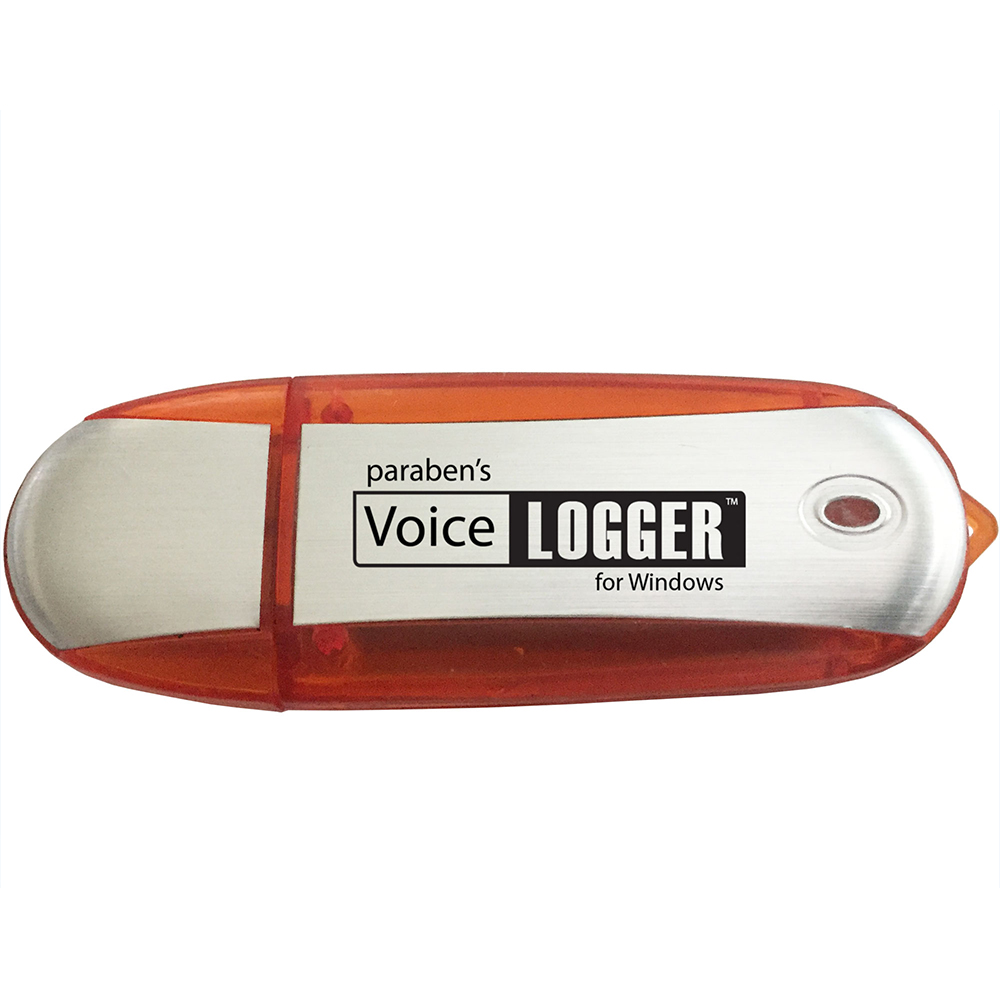
Users also have the option of simply plugging in the Voice Logger USB to collect recordings from the target computer.
This will prompt Voice Logger to detect Audio files to automatically load onto the VL USB drive and users can then take the files away to review.
Feature Rich Software Solution
The Voice logger has a number of configurable features that provide users with a host of useful features.
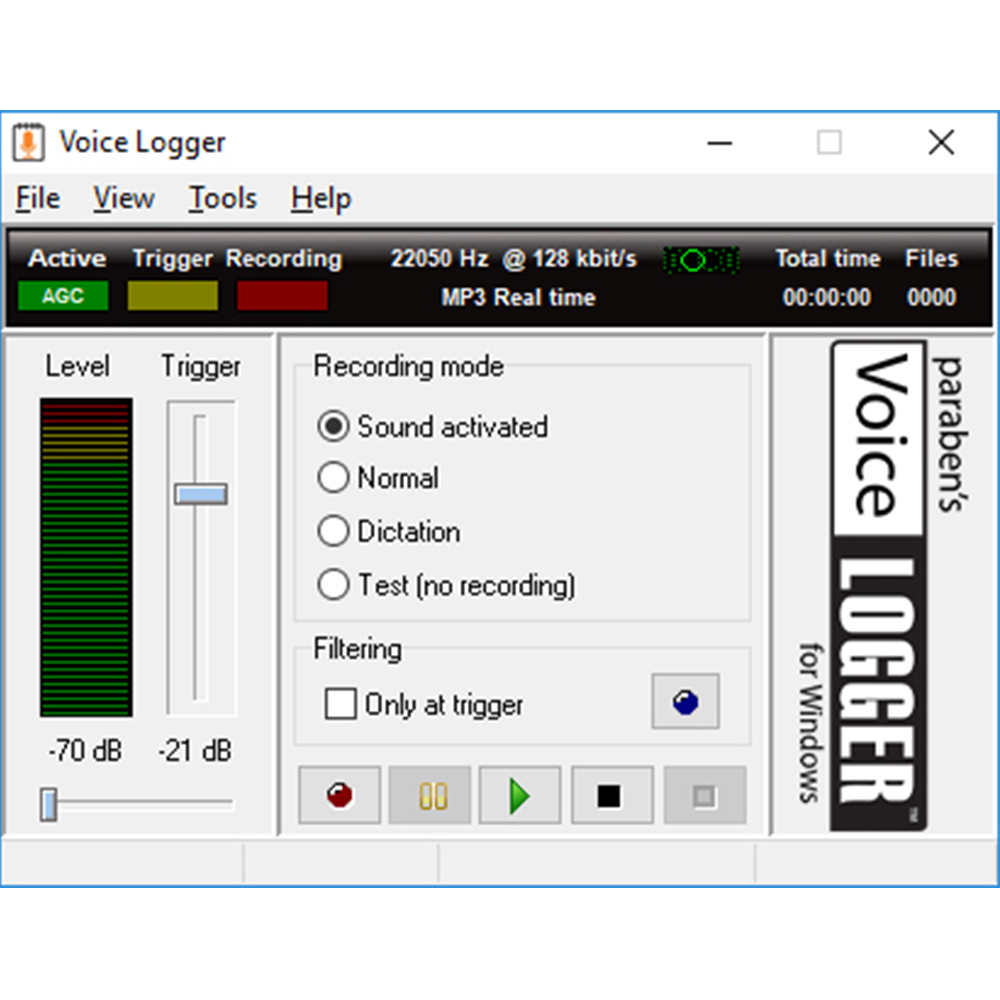
Voice Activated Recording (VOX) – Users can set the sound level to begin recording once a level of sound is detected.
Records for up to 10 seconds before and 3 minutes after sound is detected due to the always-on nature of the app.
Multiple data retrieval options – have recordings emailed automatically or plug in the devices USB drive to auto download all captured data.
Encrypt all Audio Files with a Password.
User Groups & Pro-Tips
Who Uses the Voice Logger?
Used by Investigators, Online Teachers, Concerned Parents and Vigilant Business owners, the Voice Logger is ideal for long term monitoring of a specific computer where discussions are taking place through or around the target PC.
The Voice Logger has a Covert option. Users can easily configure the device to go into Dark Mode. (Covert Application)
As the Voice Logger is an App based solution, it can only work whenever the Windows Laptop/Computer is switched on.
Ideal for monitoring field-based employees who use Skype phone numbers.
Voice Logger sends all recordings automatically by email, users can even set Voice Logger to send you emails/Audio at specific intervals.
The automatic nature of the product means users do not need to remember to turn the Voice Logger on.
Requirements & FAQ
Requirements:
- System Compatibility: Windows Vista, 7, 8, 10 & 11
- USB Port
- Windows Compatible Sound Card
- .Net Framework version 4.6.1
- Internet Connection for Some Features
FAQ
RV works with all Android phones running OS 10 and above.
RV works best with Samsung devices and Google devices, smartphones and tablets.
12 months
The legality of Android remote monitoring in the USA depends on several factors such as the intended use & the parties involved,
In general, monitoring an Android device that you own or have permission to monitor is legal. However, monitoring someone else's device without their consent is illegal and can result in criminal charges for invasion of privacy.
The legality of remote monitoring management in the USA depends on the specific circumstances and context in which it is being used.
In general, monitoring and managing company-owned devices that are being used for work purposes is considered legal, as long as it is done in accordance with the company's policies and agreements with employees.
This type of remote monitoring is usually carried out for security and productivity reasons.
However, monitoring and managing personal devices without the owner's consent is illegal and could result in criminal charges for invasion of privacy.
Yes, parents can remotely monitor their child's phone activity, but the legality of this practice depends on the specific circumstances.
In general, parents have the right to monitor their child's phone activity if the phone is owned by the parents.
This means that if a child is using a phone that was purchased and provided by the parents, the parents have the right to monitor its activity.
Yes, please contact us at sales@paraben-consumer.com
More Questions?
Email us at sales@paraben-consumer.com